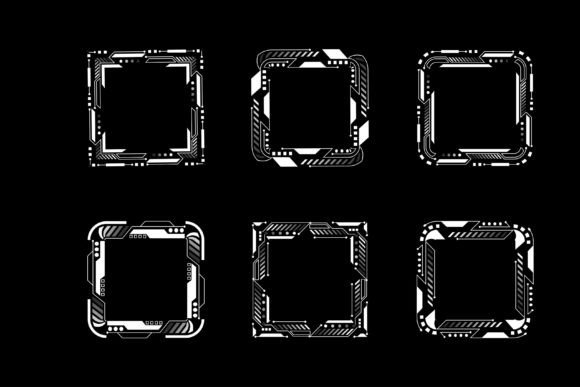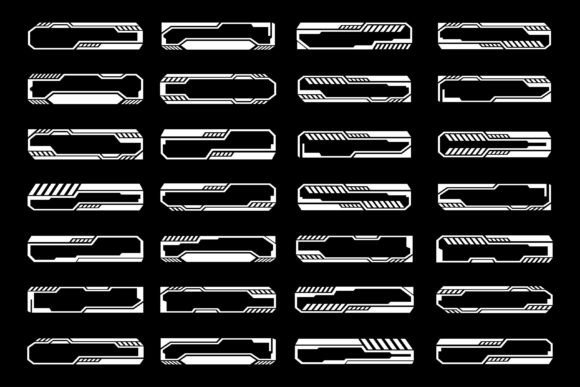
Mastering Futuristic Cyberpunk HUDs: The Ultimate Guide to Sci-Fi Interface Design Elements
In the rapidly evolving landscape of digital design, few aesthetics capture the imagination quite like the cyberpunk genre. From neon-lit cityscapes to high-tech weaponry, the visual language of science fiction has permeated modern media. At the heart of this aesthetic lies the Heads-Up Display (HUD), a user interface element that bridges the gap between human cognition and machine data. Whether you are a graphic designer creating assets for print, a game developer building immersive worlds, or an artist seeking unique decorative frames, understanding the nuances of futuristic HUD design is essential. This guide explores the significance, application, and technical handling of these vector-based sci-fi elements.
The Evolution and Purpose of HUD Technology in Design
To appreciate the value of a Futuristic Cyberpunk HUD, one must first understand its origins. Originally developed for military aviation, Heads-Up Displays allowed pilots to view critical flight information without looking down at their instruments. In the realm of design and storytelling, this concept has been extrapolated into a powerful visual metaphor. It represents the integration of humanity with advanced technology, a core theme of the cyberpunk genre.
In modern creative work, these interfaces serve multiple purposes. They are not merely decorative; they provide context. When applied to a character portrait, a HUD frame suggests that the subject is a soldier, a hacker, or an astronaut interacting with a complex system. For print designers, these elements add a layer of depth and narrative to posters, book covers, and packaging. They transform a static image into a dynamic scene, implying motion, data processing, and high-stakes action.
Why Vector Format Matters for Professional Design
A critical aspect of working with high-quality HUD designs is the file format. You will often receive these resources as Vector files alongside standard JPG images. Understanding the difference is vital for professional results. Raster formats like JPG are pixel-based; if you enlarge them too much, they become blurry and lose detail. Conversely, vector graphics are mathematically defined, meaning they can be scaled infinitely without any loss of quality.
This scalability is why vector editing applications like Adobe Illustrator are the industry standard for manipulating these designs. With a vector HUD, you can resize a small icon to fit a massive billboard or shrink a complex frame to fit on a business card, and it will remain crisp and sharp. This flexibility makes vector assets indispensable for designers who need to adapt their work across various mediums, from web banners to large-scale print decorations.
Practical Applications in Modern Creativity
The versatility of futuristic interface elements extends far beyond video games. These designs have found a home in diverse sectors of modern life and business. Here is how different professionals utilize these assets:
- Print Media and Publishing: Authors of science fiction novels often use HUD frames to create striking cover art. The geometric lines and glowing accents immediately signal the genre to potential readers, setting the tone before a single word is read.
- Event Decoration and Branding: Tech conferences, gaming tournaments, and futurist expos frequently use HUD motifs in their branding. Banners, stage backdrops, and ticket designs featuring these elements create an immersive atmosphere that aligns with the event's theme.
- Digital Marketing and UI/UX: Web designers incorporate simplified versions of HUD elements to create "tech-heavy" landing pages. These subtle background patterns or overlay effects suggest innovation and speed, appealing to audiences interested in software, AI, and cybersecurity.
- Educational Visuals: Teachers and content creators use these graphics to illustrate concepts related to future technology, robotics, and space exploration, making abstract ideas more tangible for students.
Integrating HUD Frames into Your Workflow
When you acquire a pack of futuristic frames, the process typically begins with a compressed archive. You will receive the files in a ZIP File. This compression method keeps the file size manageable for download while protecting the integrity of the data inside. To access your new design assets, you must extract them using software such as Win ZIP, WinRAR, or the built-in extraction tools available in most operating systems. Often, a simple double-click on the ZIP file will prompt your computer to unzip the contents automatically.
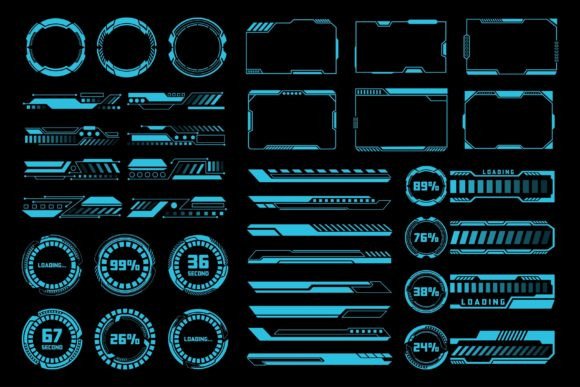
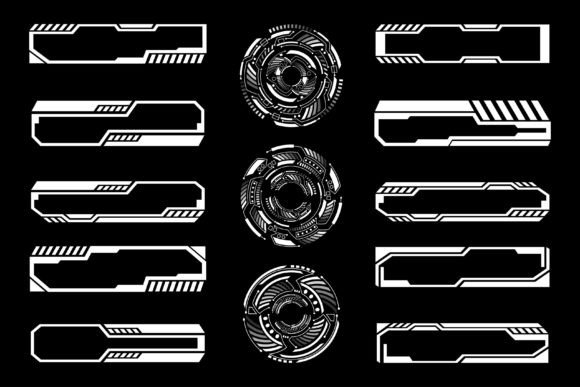
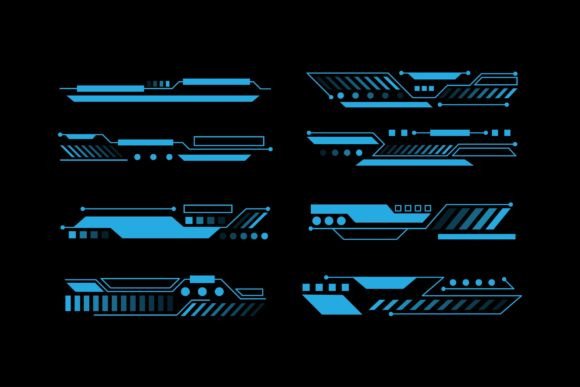
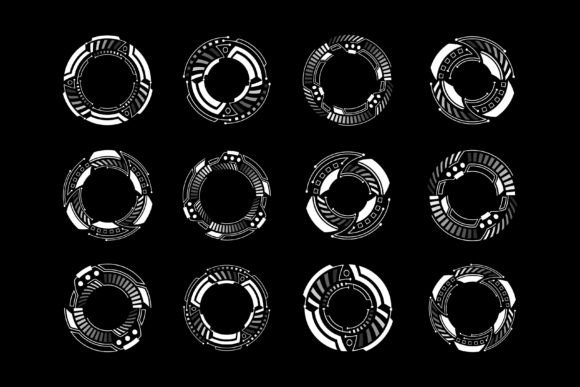
Once extracted, you will find both the editable vector source files and the preview JPGs. The JPGs allow you to quickly visualize how the design looks in context, but the real power lies in the vector files. By opening these in Adobe Illustrator or similar software, you gain full control over every line, curve, and color. You can change the neon blue glow to a warning red, remove unnecessary data points, or combine multiple frames to create a custom layout specific to your project needs.
Common Misunderstandings About Sci-Fi Interface Design
Despite their popularity, there are several misconceptions about using HUD elements in design. One common assumption is that these graphics are only suitable for "hardcore" sci-fi projects. In reality, the clean lines and modular structure of HUD designs make them excellent for corporate tech presentations, medical device marketing, and even modern architectural portfolios. The aesthetic conveys precision and forward-thinking, qualities that are valuable in many industries.
Another misunderstanding involves the complexity of customization. Beginners often assume that because these designs look intricate, they are difficult to modify. However, because they are created as vector elements, they are often organized into layers. This means you can isolate specific parts of the interface—such as a targeting reticle or a battery indicator—and move, recolor, or delete them without affecting the rest of the composition. The learning curve is gentle, especially for those familiar with basic vector manipulation.
The Role of Color and Lighting in Cyberpunk Aesthetics
A defining characteristic of the cyberpunk style is its use of color and light. Traditional HUDs often rely on high-contrast palettes, typically featuring bright greens, cyans, or ambers against dark backgrounds. This mimics the look of early monochrome displays and night-vision goggles. When designing with these elements, it is important to consider how the colors interact with your other visual assets.
For print projects, ensure that your chosen colors translate well to physical media. While screens can display vibrant neons effortlessly, print requires careful attention to ink coverage and paper texture. Using vector files allows you to adjust these colors precisely to match your brand guidelines or the mood of your project. Whether you aim for a sleek, minimalist look or a chaotic, glitch-art vibe, the flexibility of vector design empowers you to achieve the exact effect you envision.
Building a Broader Understanding of Digital Assets
Ultimately, incorporating futuristic HUD frames into your work is about more than just adding a cool graphic; it is about enhancing communication. These elements act as visual shorthand, instantly conveying themes of technology, surveillance, and the future. By mastering the use of these vector assets, designers can elevate their projects from ordinary to extraordinary.
As technology continues to advance, the line between the digital and physical worlds blurs. The designs we create today reflect our aspirations and fears regarding tomorrow. Whether you are decorating a room with sci-fi art, designing a logo for a startup, or crafting the next big video game, the principles of HUD design offer a robust toolkit for expression. Remember to always verify your file formats, utilize the power of vector editing, and let your creativity drive the final result. With the right tools and a clear understanding of the medium, the possibilities for innovation are limitless.
By embracing these futuristic elements, you join a community of creators pushing the boundaries of what is visually possible. So, extract your ZIP file, open your preferred editor, and start building the interface of the future today.